Connect your agent
Set up Hoaster in ChatGPT
Add the Hoaster app and ChatGPT can publish pages, images, and other artifacts to the web for you — and hand you back a public URL — without ever leaving the conversation. It takes one click: no settings to change, no API key or token to copy.
Check that it works
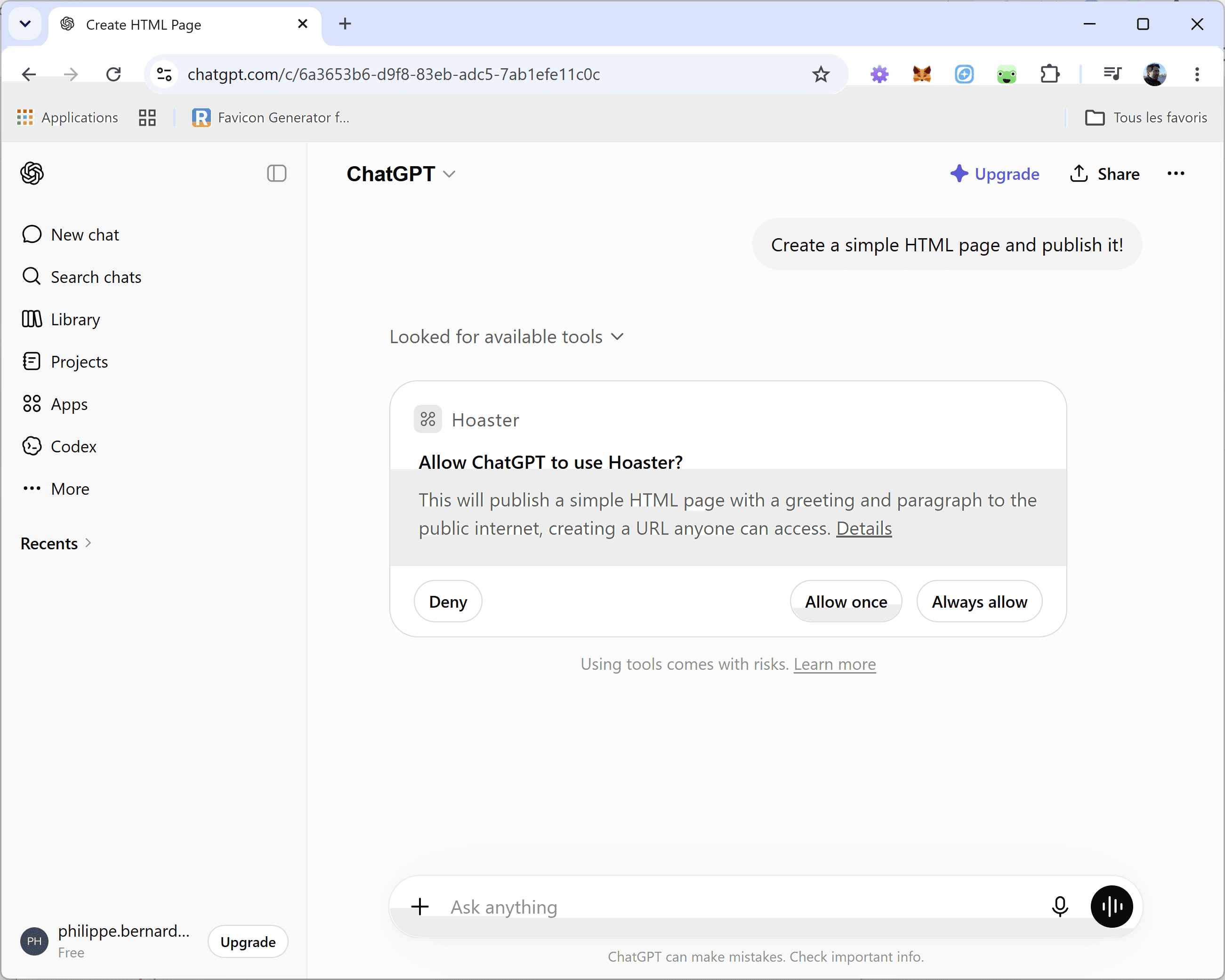
Start a new chat and ask ChatGPT to publish something — you never have to mention Hoaster by name, it has the tool now. The first time it uses Hoaster, you'll be asked to allow the tool: choose Allow.
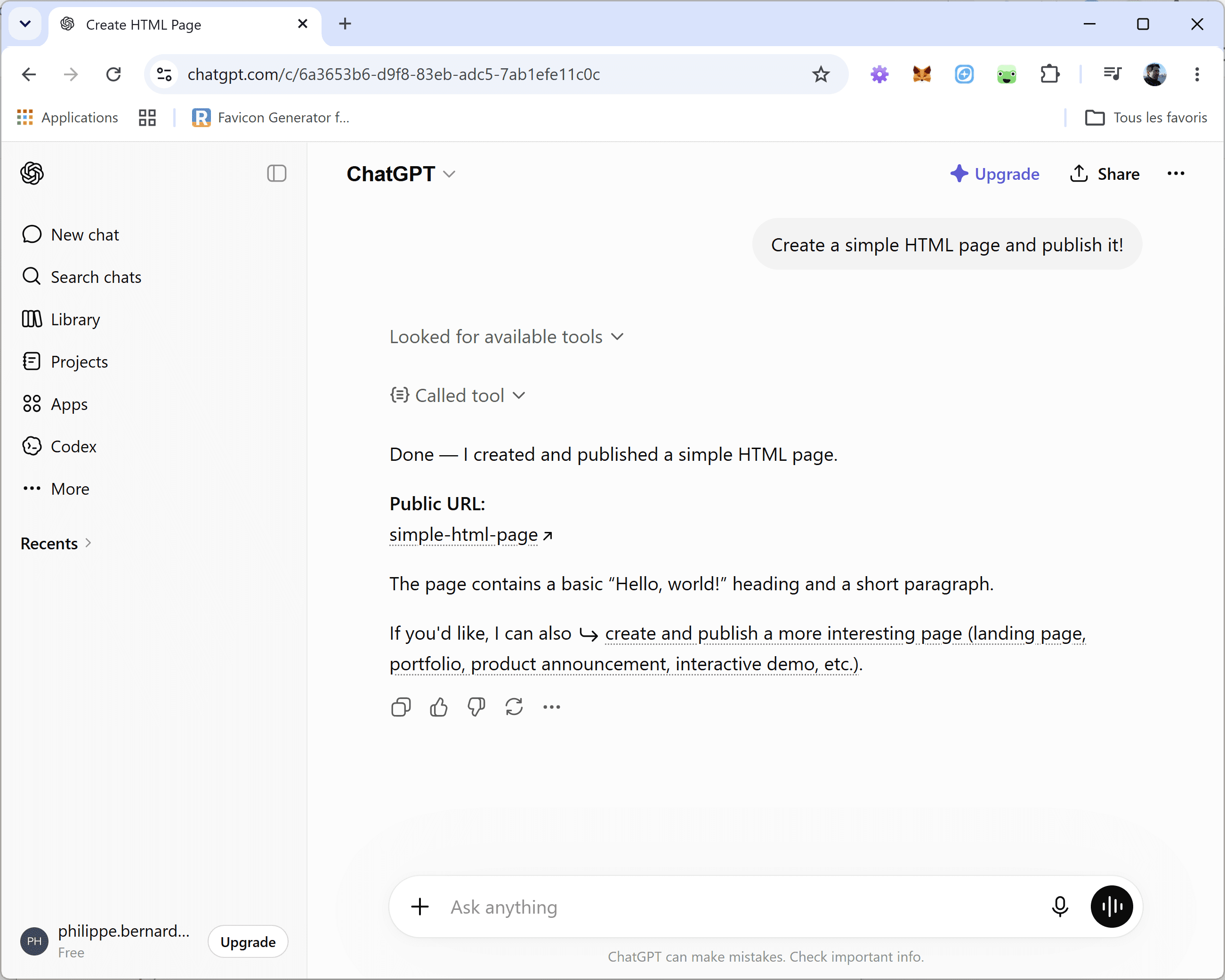
ChatGPT hands back a live hoaster.page URL once the page is online.
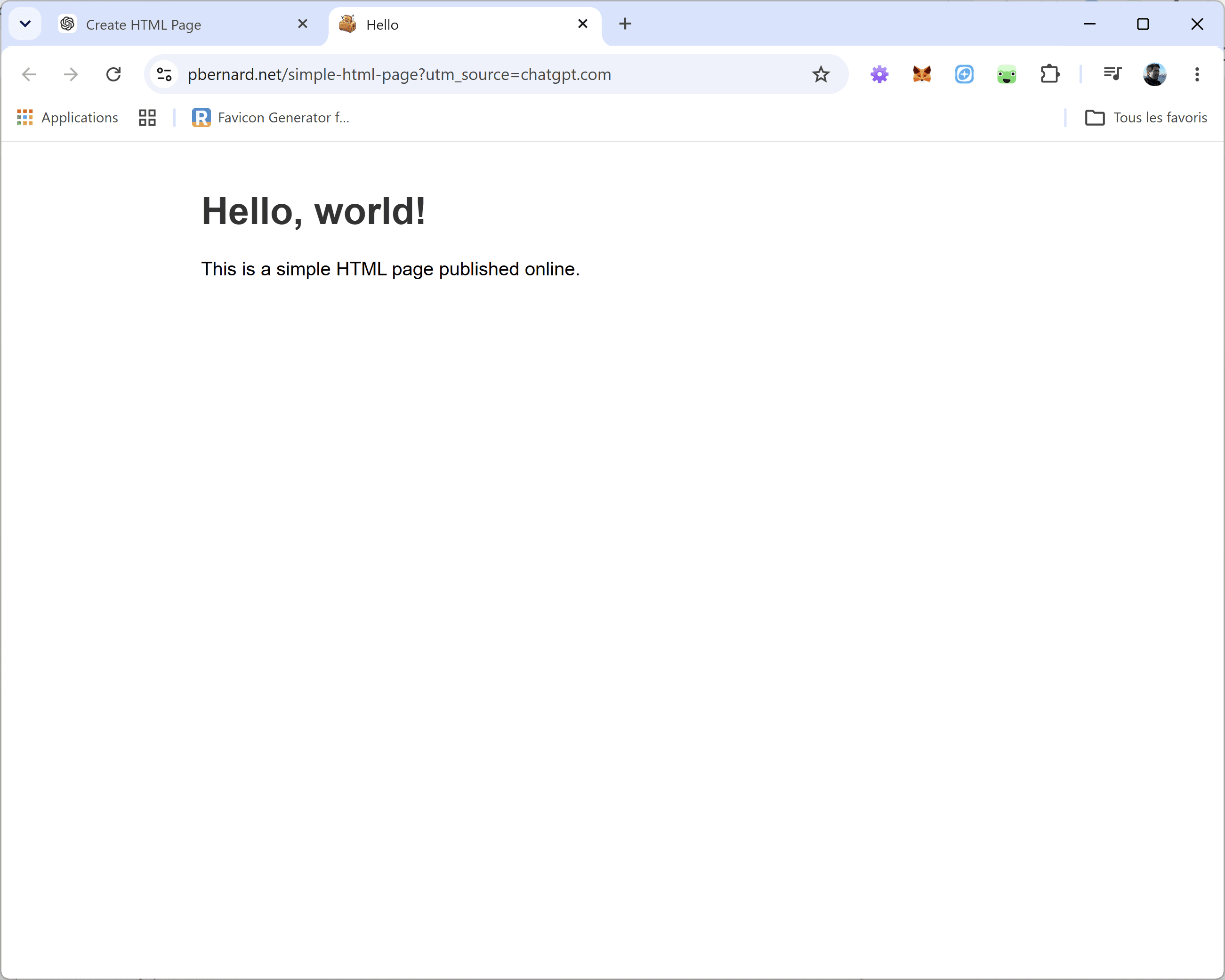
Open the link and your page is live on the web — and it shows up in your dashboard.